Best AI Tool for Video Scripts in 2026
Staring at a blank script page? We tested the top AI script generators for video creators. See which tools actually deliver usable scripts and which to skip.
By TheCreatorPilot Team — creators testing AI tools for video, YouTube and content
You hit record, freeze, and realize your outline is just bullet points with no life in them. If you're reading this, you've probably already tried two or three AI script tools and ended up with scripts that sound like a robot reading a Wikipedia page. The direct answer is that there isn't one single "best AI script tool" for every creator, the right pick depends entirely on the kind of scripts you write. For rapid YouTube listicles and short-form hooks, Jasper's template speed wins. For detailed, research-backed explainer scripts where you need to feed in your own structure, Copy.ai gives you more control. And if you need the script to match a visual timeline directly inside your video editing workflow, Descript's script-to-edit approach is the most practical option. Three different tools, three different scripting problems.
Quick note: some links in this article are affiliate links, they support the blog at no extra cost to you.
What Matters in an AI Video Script Tool
Most AI writing tools can spit out text. The problem is that generic text doesn't translate to a watchable video. A good AI video script tool needs three things: a sense of narrative flow (setup, build, payoff), awareness of the format (a TikTok script is not a YouTube essay script), and enough flexibility that you're not wrestling with the output for longer than it would have taken to write the script yourself.
In our experience, the tools that actually save time are the ones that let you define the structure upfront, tone, length, format, hook style, rather than the ones that ask for a one-line prompt and hope for the best.
Top 3 AI Tools for Video Scripts Compared
| Tool | Best For | Format Support | Standout Feature | Approx. Starting Price |
|---|---|---|---|---|
| Jasper | Fast YouTube & short-form scripts | List-based, hook-driven, short-form | Templates tuned for engagement | ~$49/month (verify on official site) |
| Copy.ai | Long-form explainer & research scripts | Documentary-style, thought-leadership, tutorials | Deep workflow control with briefs | ~$49/month (verify on official site) |
| Descript | Scripts that sync to a video edit | Voiceover-based, talking-head, video-first | Edit video by editing text | ~$24/month (verify on official site) |
Jasper, Best for Speed and Engagement Hooks
Jasper is the tool I recommend most often to creators who publish frequently and need to go from idea to finished script in under an hour. Its core strength is templates built specifically for video, the YouTube Script Outline template, for example, doesn't just generate text; it structures an intro hook, numbered sections, and a call-to-action built for retention.
I've found it particularly useful for list-style videos and channels built around a fast-paced delivery. The tone settings let you dial in a conversational voice that doesn't sound like corporate marketing, which is the usual AI-script giveaway.
Best for you if you publish weekly or more and need a repeatable scripting workflow. Skip it if your videos are deeply personal, vlog-style, or rely on subtle storytelling where the AI's phrasing will feel intrusive.
Copy.ai, Best for Depth and Research-Driven Scripts
When a script needs to teach something in depth, Copy.ai handles the heavy lifting better than Jasper. Instead of a single prompt, you build a brief: audience, core argument, research points, and the emotional takeaway you want to leave viewers with. That extra upfront structure produces scripts that feel less like generated filler and more like a first draft you can genuinely work with.
The trade-off is speed. You will spend more time setting up the brief, and the output typically needs a pass to tighten pacing. But for a 15-minute explainer or a documentary-style YouTube piece where factual accuracy and argument flow matter, it's the stronger option.
Best for you if your content is educational, research-heavy, or long-form. Skip it if you need rapid-fire short-form scripts and don't want to spend time building a brief each time.
Descript, Best for Voiceover and Edit-Synced Scripts
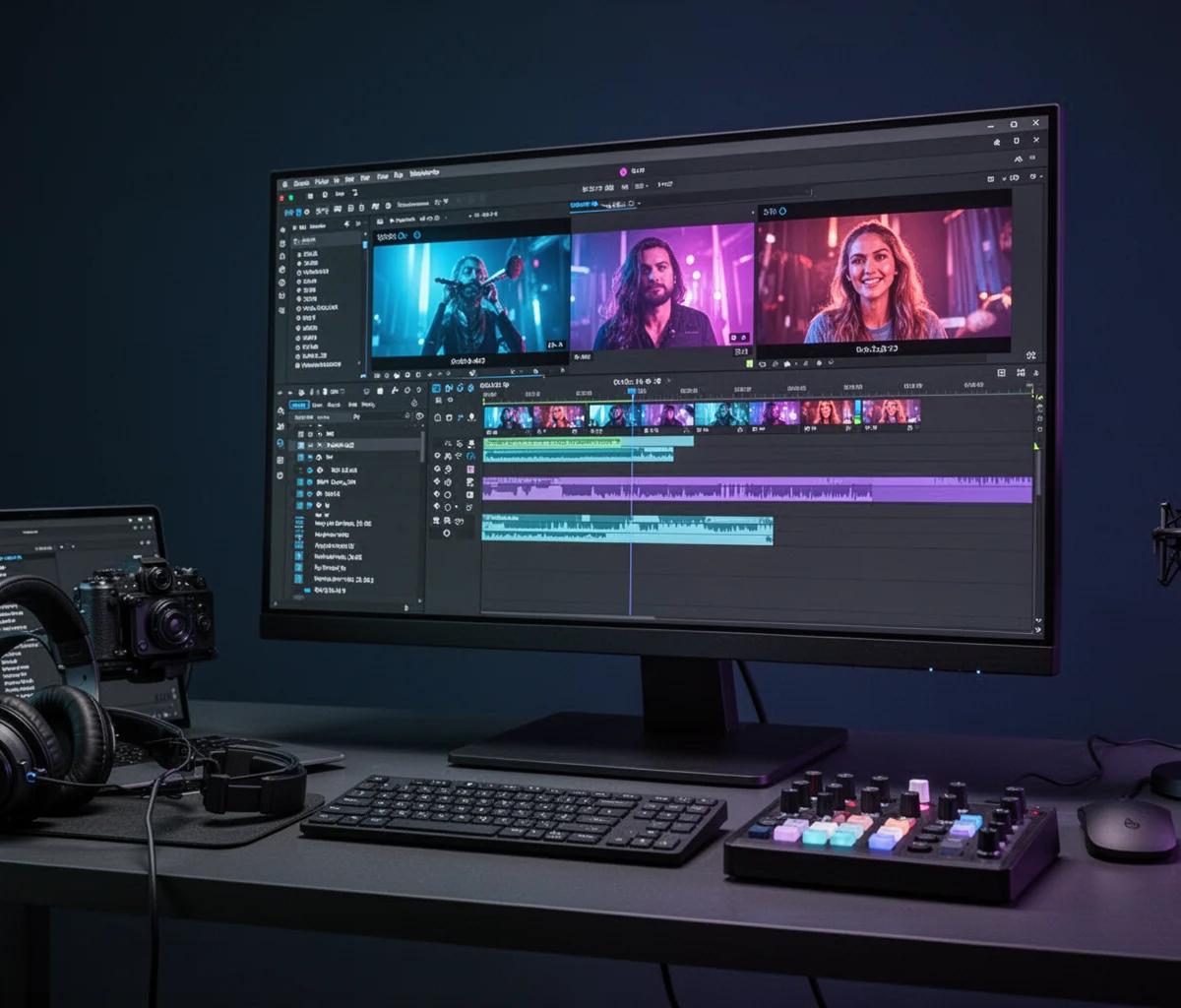
Descript solves a different problem entirely. It's not primarily a script generator, it's a video editor built around a text transcript. But for creators who script voiceovers and then edit to match, it cuts out the most tedious part of the workflow. You write your script (or have its AI assist), record directly into the timeline, and any edits you make to the text automatically edit the video.
The script-writing AI inside Descript is less sophisticated than Jasper or Copy.ai for generating ideas from scratch, but the integration with the edit is unlike anything else. If your process is "write voiceover, record, cut video to match," Descript combines two steps into one.
Best for you if you create talking-head content, voiceover-heavy videos, or podcasts with a video component. Skip it if you need script ideation and structure more than editing efficiency.
How to Write Better Video Scripts with AI, A 5-Step Workflow
- Define the format and length first. Before touching an AI tool, write down: What format is this (list, explainer, story, hook-based short)? Roughly how many words? A 60-second short is ~150 words. A 10-minute YouTube video is ~1,500–1,800 words. Feed this into the tool's structure settings.
- Write your own hook. AI hooks tend to be generic. Write your opening 2-3 sentences manually, the specific observation, question, or bold claim that only you would make. Then let the AI continue from there.
- Paste a rough outline. Don't use a one-line prompt. Give the AI a skeleton: "Intro hook about X, Point 1 with example Y, Point 2 with counter-argument Z, conclusion that ties back to the hook." The script quality improves dramatically.
- Generate in sections, not all at once. If you ask for a full script in one go, the middle sections often drift. Generate the intro, then the body section by section, feeding the AI a note about what each part should accomplish.
- Read every sentence aloud before filming. AI scripts sometimes read well on the page but fall apart when spoken. If a sentence feels awkward to say, rewrite it. The tool gets you 80% there, but the last 20% is your voice.
For a deeper look at how AI tools fit into a complete creator workflow, we have a guide on how to start creating content with AI tools that covers the bigger picture beyond just scripts.
Related reading
- Best AI Writing Tools for Creators Now
- Jasper Review for Content Creators
- How to Write a YouTube Script With AI
FAQ
Can AI actually write a good video script? Yes, but only if you give it structure. AI is great at drafting, organizing points, and suggesting angles. It's not good at writing in your exact voice or landing a joke that feels natural. Treat it as a skilled writing assistant, not a replacement.
Which AI tool is best for YouTube scripts specifically? For rapid YouTube list and review scripts, Jasper's video templates are the most polished. For long-form educational YouTube scripts, Copy.ai's brief-based workflow gives more control. For scripts you need to edit alongside video footage, Descript is the unique choice.
Are AI-generated scripts penalized by YouTube's algorithm? There's no evidence YouTube penalizes AI-assisted scripts in any way. The algorithm cares about viewer retention and engagement. If the AI script leads to a boring video, the retention drop hurts you, but the tool itself isn't flagged.
How much do AI script tools cost as of 2026? Most dedicated AI writing tools with video script features start around $20–$50/month depending on the plan, though Descript has a lower entry point because its pricing is built around video editing features. Check each tool's official site for current pricing.
Can I use the same AI tool for long-form and short-form scripts? Jasper and Copy.ai handle both, but you'll get better results by changing your prompt style: shorter, punchier, fewer words for short-form; more detailed outlines and research points for long-form. Descript works for either but shines when voiceover is involved.