Best AI Tools to Turn Long Videos Into Shorts
Struggling to cut down your videos? Here are the best AI tools tested for turning long content into high-quality shorts without the heavy editing.
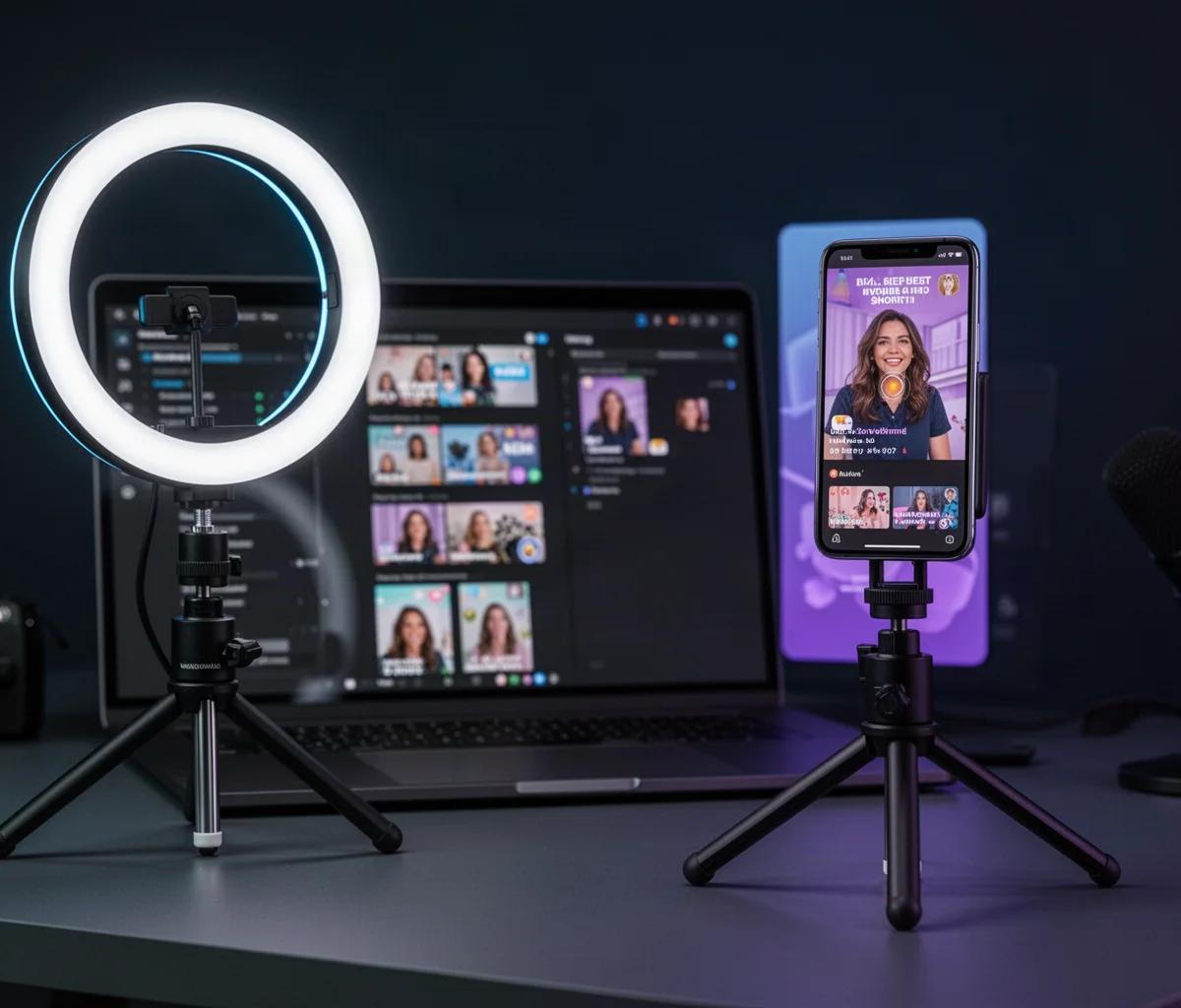
By TheCreatorPilot Team — creators testing AI tools for video, YouTube and content
You know that slight sinking feeling when you finish a great 20-minute video and realize you now need to chop it into five short clips for TikTok, Reels, and Shorts? I have been there. If you are reading this, you are probably wondering if there is a faster way than dragging a playhead around for three hours. There is.
The best approach is short: use an AI tool that finds the most engaging moments for you, then polish the output in a traditional editor. Right now, two tools stand out. OpusClip (linked below for the official pricing) is the strongest for automatic detection of punchy moments, while CapCut is the best free-ish companion for manual refinement and captions. You do not need to replace your whole workflow. You need one tool that does the heavy lifting and one that lets you fix the details.
Quick note: some links in this article are affiliate links, they support the blog at no extra cost to you.
What Actually Makes a Good AI Short
Before naming tools, you need to know what the AI is looking for. Most long-to-short tools work by analyzing your transcript. They score sentences based on keywords, energy shifts, and topic changes. The result is a suggested clip, usually between 30 and 60 seconds.
But here is what I figured out after two years of doing this: the AI is great at finding interesting moments, not contextual ones. If your long video starts a story at minute four and pays it off at minute nine, the AI might cut the payoff without the setup. That is why the best workflow is hybrid. Let the AI suggest and trim, then you adjust the start and end points by hand.
The tool that understands this balance best, at least from my testing, is OpusClip. It generates multiple clip options, adds captions, and even resizes the frame automatically. For creators who publish long-form weekly content, it saves the most repetitive work. However, it is not perfect for every accent or heavily technical jargon, so you still need to review captions.
The Two Tools I Recommend Most
Here is the honest comparison. These are not the only options, but they cover the two main creator needs.
| Tool | Best For | Main Strength | Who Should Skip It |
|---|---|---|---|
| OpusClip | Automatic detection and bulk clipping | Finds viral-worthy moments fast | Creators who need precise, manual control |
| CapCut | Manual cleanup and captions | Free, familiar, fast on mobile | Creators who want everything automated |
OpusClip is the tool I suggest first for most people. You upload a long video, it returns several ready-to-post shorts with captions and B-roll suggestions. The main limitation is that the free plan is limited, and as of 2026, you should verify current pricing on the official site before committing. It also struggles with low-audio videos or very quiet speakers.
CapCut is the second half of the workflow. After OpusClip gives you a rough cut, CapCut is where you fix pacing, adjust the hook text, and add your own branded elements. It is not technically a long-to-short AI tool, but it is the best finishing tool for creators on any budget. Skip CapCut if you expect it to auto-generate clips from an hour-long video; it will not.
How I Turn Long Videos Into Shorts Step by Step
This is the exact process I recommend to friends, and it takes about 20 minutes per short after the first run.
- Export your long video with clear audio. If the audio is muddy, no AI will detect good moments accurately.
- Run it through OpusClip and let it generate 5 to 8 candidate shorts. Do not judge them yet.
- Watch the candidates on mute first. If the visual hook does not work without sound, the short will fail on most feeds.
- Export the 2 or 3 best candidates into CapCut.
- In CapCut, adjust the first half-second. Most AI clips start too slowly. Cut the first 0.5 seconds so the speaker starts mid-word or mid-action.
- Rewrite the auto-generated captions to match your voice. AI captions are accurate but sometimes too formal.
- Add a simple progress bar or zoom effect only if it fits your style. Overly edited AI clips look spammy.
- Export at 1080×1920 and post natively to each platform. Do not cross-post with watermarks.
For a deeper walkthrough of this exact workflow, I wrote a separate guide on how to repurpose long videos into shorts with AI.
Where These Tools Fall Short
No AI tool will understand your audience as well as you do. OpusClip might highlight a moment that is funny out of context but confusing to a new viewer. That is your job to fix. CapCut will not generate ideas for you, it only executes what you already know.
Another honest limitation: these tools assume your long video is mostly talking. If you make gameplay content, vlogs with heavy music, or tutorials with screen recordings, the automatic detection is weaker. You will spend more time manually selecting clips than a talking-head creator would.
Related reading
FAQ
Will AI tools automatically make my shorts go viral?
No. These tools save time and help you find usable moments, but they cannot guarantee views, subscribers, or income. Results depend on your topic, consistency, and audience. Be skeptical of any tool that promises otherwise.
Is there a free AI tool for turning long videos into shorts?
CapCut offers a free way to edit and add captions manually, but it does not automatically generate clips from long videos. Some tools like OpusClip offer limited free trials or free plans, so check the current terms on the official site.
How long should an AI-generated short be?
Most creators aim for 30 to 60 seconds. Shorter clips work better for retaining viewers from start to finish, especially on TikTok and Shorts. Longer clips, around 50 to 60 seconds, can work if the hook is strong and the payoff is clear.
Do AI tools handle vertical cropping automatically?
Yes. Tools like OpusClip automatically reframe horizontal video into vertical format, usually with subject tracking. The result is good but not always perfect, so you should still check where the speaker appears in the frame before posting.
Do I still need to edit after using an AI tool?
Almost always yes. In our experience, the best results come from letting the AI find and trim the moment, then spending a few minutes in CapCut or another editor fixing the hook, captions, and pacing.
Turning long videos into shorts is a real time sink, but it is also one of the highest-leverage moves for a creator. The tools above do not replace your judgment, they just remove the boring part. Start with one long video, run it through, and see how much time you actually save.