Making a Video With AI Avatars Without Losing Control
Learn to plan, generate and edit AI avatar videos with tools like Synthesia and HeyGen. A practical, no-hype walkthrough for creators. A practical guide with.
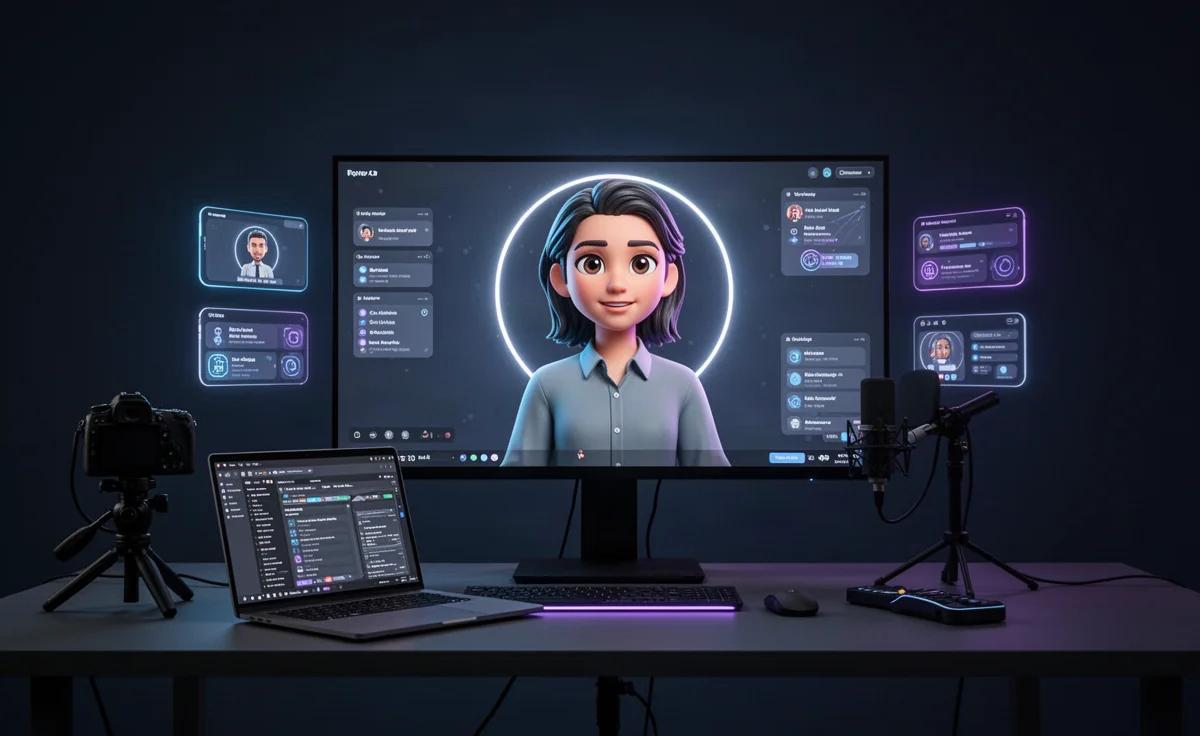
By TheCreatorPilot Team — creators testing AI tools for video, YouTube and content
You have probably seen a faceless explainer video and wondered if the presenter was a real person. If you are reading this, you are likely on the opposite side, wanting to create that kind of video without filming yourself. The direct answer: yes, you can absolutely make a professional-looking video with AI avatars, and you do not need a camera, a microphone, or editing experience. The basic workflow is simple. You pick an avatar tool, type or paste a script, choose a voice, generate the clip, then drop it into a simple editor like CapCut to add captions, b-roll, and background music.
The honest catch is that the tool alone will not make the video good. A wooden script, a lifeless voice, and zero editing produce an obviously robotic result. What makes the difference is treating the avatar as one piece of a larger editing process, not as a one-click solution. Here is how we actually build one.
Choosing the Right AI Avatar Tool
As of 2026, the two tools most creators shortlist for avatar videos are Synthesia and HeyGen. Both generate talking-head avatars from text, and both offer a free way to try them, though exact plan limits change often, so check current pricing on the official site before committing.
Here is the comparison we find most useful when deciding between them.
| Feature | Synthesia | HeyGen |
|---|---|---|
| Main strength | Polished corporate and training videos | Higher expressiveness and translation features |
| Best for | Internal comms, tutorials, consistent brand look | Short-form social clips, multilingual content |
| Avatar naturalness | Professional but slightly restrained | More emotive and varied |
| Learning curve | Low to moderate | Moderate |
Quick note: some links in this article are affiliate links, they support the blog at no extra cost to you.
Who should skip both is actually an important group. If you only need a quick, disposable video and care more about speed than realism, a simpler avatar app may be enough. But if you want something you can publish without cringing, the two tools above are where most creators land. For a deeper walkthrough, you can check How to Make a Video With AI Avatars Fast, which focuses on the quickest route.
How to Make an AI Avatar Video Step by Step
This is the exact process we follow, not a theoretical outline. It works whether you use Synthesia, HeyGen, or another avatar platform.
- Write the script before touching the tool. The biggest mistake is opening the tool first and improvising. Write for the ear, not the page. Short sentences. One idea per line. Read it aloud to catch awkward phrases.
- Pick an avatar that matches the context. A corporate avatar in a hoodie video feels wrong. Match the avatar's age, attire, and energy to the topic and audience.
- Choose a voice, then listen to the whole script before generating. Do not trust a five-second preview. A voice can sound fine in a sample and harsh over two minutes. Generate a short test with your actual words.
- Generate the avatar clip in short sections. Most tools let you render in segments. That makes it easier to fix one line without re-rendering the entire video.
- Export and edit outside the avatar tool. Add captions, cut dead air, overlay b-roll, and adjust pacing in CapCut. This is where the video stops looking like a default template.
- Add background music low enough to feel, not compete. Around ten to fifteen percent volume is often enough. The avatar is the focus.
Where Avatar Videos Go Wrong
The most common failure we see is not technical. It is a mismatch between the avatar and the editing. A hyper-realistic avatar paired with default captions and no b-roll reads as fake. A low-fidelity avatar inside a tightly edited, well-paced video can feel intentional and charming.
What we recommend most often is to stop chasing the most realistic avatar and start improving the surrounding edit. Trimming pauses, adding cutaways to a product or a chart, and tightening the caption timing will improve the video more than switching from one avatar platform to another.
Skip the avatar route entirely if the script is personal or emotional. AI faces struggle with genuine vulnerability. For anything confessional, opinion-driven, or story-based, a simple voiceover plus on-screen text often performs better than an avatar. The avatar earns its place in instructional, corporate, and explainer content where professionalism matters more than intimacy.
Related reading
FAQ
Can you make a video with an AI avatar for free?
Yes, most avatar platforms offer a free trial or a limited free tier that lets you generate a short clip with a watermark, but terms change, so check the official site for current limits.
Do AI avatar videos look real?
They can look polished and convincing at first glance, especially in corporate or training contexts, but they usually feel slightly off in longer, emotional, or personal content.
Do I need video editing skills to use an AI avatar tool?
No, but the final quality improves significantly if you do basic editing like adding captions, trimming dead air, and cutting in b-roll, which a tool like CapCut makes approachable.
Which is better, Synthesia or HeyGen?
Pick Synthesia if you need a clean, consistent corporate look. Pick HeyGen if you want more expressive avatars or plan to localize the video into multiple languages.
Can I use my own face as an AI avatar?
Several tools allow you to create a custom avatar from footage of yourself, but availability and requirements vary, so verify the specific tool's current policy.
AI avatar videos are a legitimate shortcut for creators who would rather write than appear on camera. The key is to treat the avatar as a starting asset, not a finished video, and to put the final quality into the edit around it. When used for the right content, it saves hours without shouting that a robot made it.