How to Repurpose Long Videos into Shorts with AI
Learn how to turn long videos into viral Shorts with AI tools. Step-by-step guide for creators who want to repurpose content faster and reach more viewers.
By TheCreatorPilot Team — creators testing AI tools for video, YouTube and content
You just spent hours editing a long-form video, and now TikTok and YouTube Shorts are begging for 60-second clips. The thought of manually cutting, resizing, and captioning each short feels exhausting.
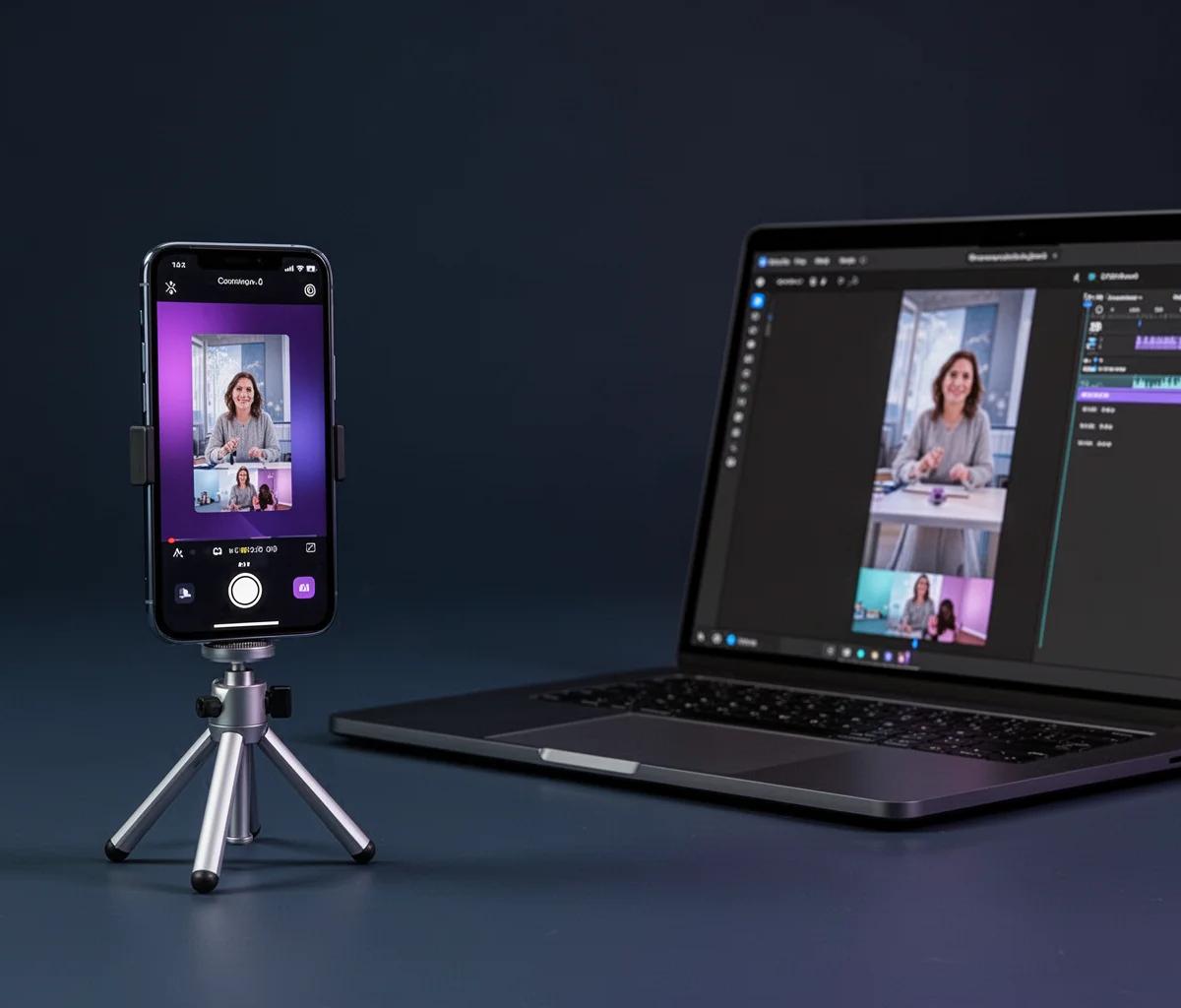
Here's the direct answer: AI tools like CapCut, Descript, and Pictory can automatically identify the most engaging moments in your long videos, crop them to vertical format, add captions, and export ready-to-post Shorts in minutes. The workflow is simple: upload your long video, let the AI analyze and suggest clips, review the auto-generated Shorts, make quick tweaks, and export. As of 2026, these tools handle the repetitive work so you can focus on the creative decisions. The best part is you're not starting from scratch every time, you're multiplying the reach of content you've already made.
In this guide, I'll walk you through the exact process and show you which tool fits different creator workflows.
Quick note: some links in this article are affiliate links, they support the blog at no extra cost to you.
Why Repurposing Long Videos Matters Right Now
Short-form content drives discovery. A single 10-minute YouTube video can become five or six Shorts that each reach different audience segments. When I started creating content, I ignored Shorts because I thought they'd cannibalize long-form views. The opposite happened: Shorts brought new subscribers who then watched the full videos.
The manual approach is a productivity killer. Scrubbing through footage, finding hooks, exporting vertical crops, syncing captions, it's hours of work per Short. AI tools collapse that timeline from hours to minutes by automatically identifying high-energy moments, laughter, questions, or topic shifts.
Step-by-Step: How to Turn One Long Video into Multiple Shorts
Here's the workflow that works whether you're editing a podcast, a tutorial, or a vlog:
- Upload your long video to your chosen AI tool. Most platforms support direct file upload or YouTube URL import.
- Let the AI analyze the content. Tools like CapCut and Pictory scan for engagement signals: speech patterns, visual activity, and pacing changes.
- Review the auto-suggested clips. The AI will present 5-15 potential Shorts with timestamps. Watch the previews and pick the ones that work as standalone moments.
- Customize each Short. Adjust the start/end points, reframe the crop if faces are cut off, and tweak the auto-generated captions for accuracy.
- Export in vertical format (9:16 ratio) with captions burned in. Most tools let you batch-export all selected Shorts at once.
The entire process for one long video takes 15-30 minutes once you know the tool.
Best AI Tools for Repurposing Long Videos
Different tools fit different creator types. Here's what actually matters in practice:
| Tool | Best For | Key Feature | Starting Price |
|---|---|---|---|
| CapCut | Beginners, mobile creators | Auto-captions, templates, free tier | Free (premium ~$10/mo) |
| Descript | Podcasters, interview content | Text-based editing, filler word removal | ~$12/mo (verify current) |
| Pictory | Educational creators, tutorials | Scene detection, script-to-video | ~$19/mo (check official site) |
CapCut is the go-to if you're starting out or editing on your phone. It's free, the auto-caption accuracy is solid, and it doesn't watermark exports on the free plan. Skip it if you need advanced audio cleanup or you're editing 4K footage regularly.
Descript shines when your long videos are talk-heavy. You edit the video by editing the transcript, which feels like editing a Google Doc. It's perfect for podcasts or interviews where you want to remove filler words ("um," "like") across the entire clip before chunking it into Shorts. The downside is the learning curve if you're used to traditional timeline editors.
Pictory works best for tutorial and educational content. It identifies topic shifts and chapters automatically, so a 20-minute how-to can become six Shorts, each focused on one step. The AI handles scene detection better than most, but the pricing can add up if you're exporting dozens of Shorts per month.
For creators who also want polished thumbnails to pair with those Shorts, check out how to make YouTube thumbnails with AI fast to round out your workflow.
Common Mistakes and How to Avoid Them
Don't trust the AI blindly. Auto-suggested clips sometimes start mid-sentence or cut off punchlines. Always preview before exporting.
Captions matter more than you think. Most people watch Shorts with sound off. Auto-captions are good but not perfect, fix names, brand terms, and technical words manually.
Avoid repurposing every single moment. Not every 60 seconds of your long video deserves to be a Short. Pick moments that work as standalone stories: a question answered, a tip shared, or a reaction captured.
Related reading
FAQ
Can I repurpose videos I didn't originally film in vertical?
Yes. AI tools auto-crop horizontal footage to vertical and track the subject so faces stay centered. It's not as clean as native vertical, but it works for most content types.
Do I need to re-upload the Shorts to YouTube or can I link to the long video?
Upload Shorts as separate videos. YouTube's algorithm treats Shorts and long-form as different content types. Linking doesn't give you the Shorts feed distribution boost.
How long should each repurposed Short be?
Aim for 30-60 seconds. YouTube Shorts can technically run up to 60 seconds, TikTok and Reels the same. Shorter usually performs better, but don't cut off the payoff just to hit 30 seconds.
Will repurposing cannibalize views on my long videos?
In our experience, the opposite happens more often. Shorts bring new viewers who then discover your long-form content. Treat Shorts as trailers, not replacements.
Can I automate the entire process without reviewing clips?
You can, but you shouldn't. AI picks good moments 70-80% of the time. The other 20% need a human eye to catch awkward cuts or incomplete thoughts. Five minutes of review saves you from posting something off-brand.
Conclusion
Repurposing long videos into Shorts with AI turns one piece of content into a week's worth of distribution. The tools handle the tedious work, cropping, captioning, scene detection, so you spend your time on the creative decisions that actually matter. Start with one long video this week, pick a tool from the list above, and see how many Shorts you can pull from it.