Jasper Review for Content Creators, Worth It
We break down what Jasper actually does well for creators, where it falls short, and who should skip it in this straight-talking review.
By TheCreatorPilot Team — creators testing AI tools for video, YouTube and content
You have probably typed a YouTube title into five different AI tools and gotten five versions of the same generic sentence. That frustration is exactly what makes people wonder whether Jasper is different enough to justify its price. The short answer is that Jasper is worth it for content creators who need long-form, brand-consistent writing across multiple channels, but it is overkill if you only need quick captions or a few titles here and there. It is a serious writing assistant, not a one-click caption generator, and understanding that distinction will save you either money or disappointment. Quick note: some links in this article are affiliate links, they support the blog at no extra cost to you.
What Jasper Actually Does Well
Jasper is built around templates and workflows that help you create repeatable content, which matters when you publish every week. For creators, the strongest use cases are video scripts, email newsletters, and repurposing one piece of content into several formats.
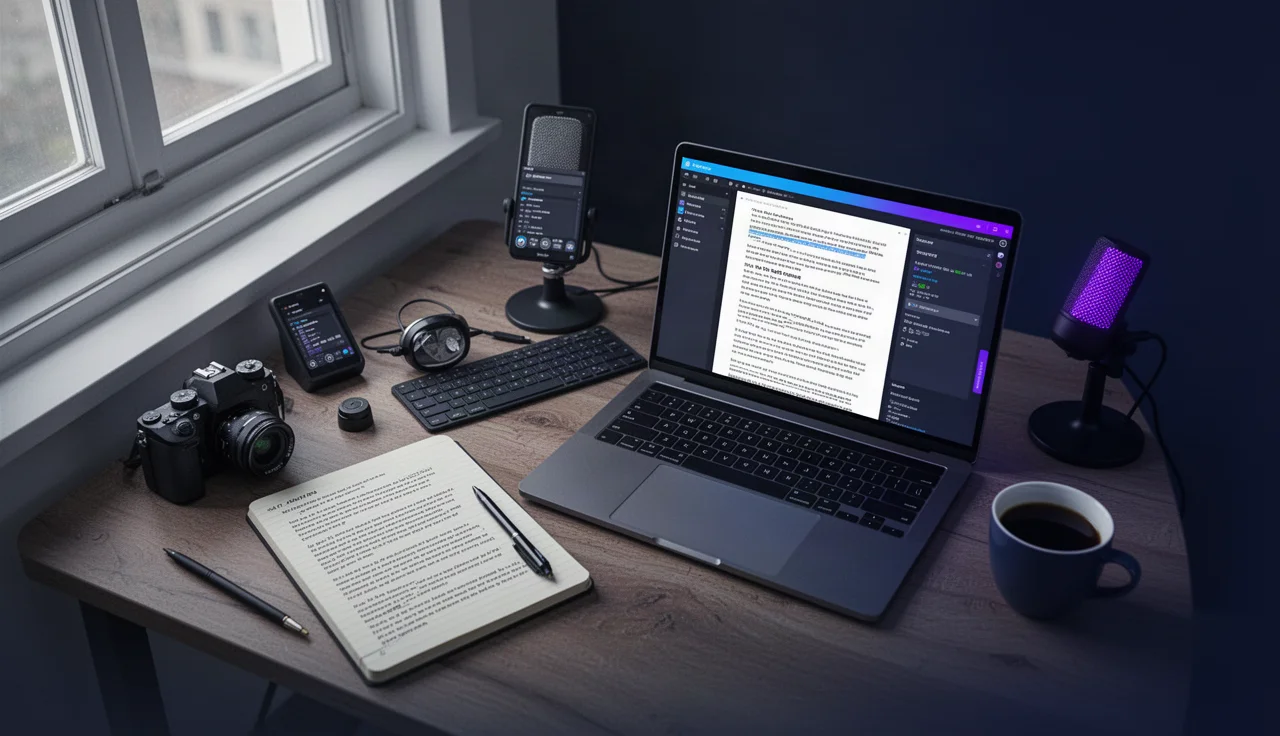
What we value most in our evaluation is the brand voice feature. You can feed Jasper examples of your writing and it will match the tone, which reduces the robotic feel that makes most AI text unusable on camera. For a script, that matters because you read it aloud, and stiff phrasing becomes obvious immediately.
The second strength is the long-form editor. You can outline a video, expand sections one by one, and keep everything in one document instead of copy-pasting between tools. At the time of writing, Jasper offers a free way to try it, though the exact terms change, so check current pricing on the official site.
Where It Falls Short
The main limitation is the learning curve. Jasper is not as instantly intuitive as Copy.ai, which many creators prefer for quick social captions and short-form hooks. If your workflow is "generate three TikTok captions and move on," Jasper's interface feels heavier than necessary.
Cost is the second issue. As of 2026, Jasper is positioned as a premium tool, with plans that start higher than most simple AI writers. We will not quote a fixed number because pricing has shifted multiple times, but the honest framing is this: it only makes sense if you use it frequently and across at least two content types.
Skip it if you already have a solid writing process and only want minor assistance with captions or titles.
Jasper vs Copy.ai for Creators
This is the comparison most creators actually care about, so here is a focused look.
| Feature | Jasper | Copy.ai |
|---|---|---|
| Main strength | Long-form scripts, brand voice | Fast short-form copy |
| Best for | Video essays, newsletters, blogs | Captions, hooks, ads |
| Learning curve | Moderate | Low |
| Content repurposing | Strong, built-in workflows | Basic |
| Pricing feel as of 2026 | Premium, verify on official site | Lower entry point, verify on official site |
Neither tool is a universal winner. If your content is script-heavy and voice-driven, pick Jasper. If you live in short-form captions and quick iterations, Copy.ai is lighter and faster.
How to Decide in 4 Steps
We recommend this quick process before you commit, and you can do it in under an hour.
- List the content types you publish every single week. Scripts, emails, captions, blog posts, all of it.
- Mark which ones take the most time and which ones sound most "AI-generated" in your current drafts.
- If long scripts or emails are on your heavy list, Jasper's brand voice and long-form editor likely justify the cost.
- If everything on your list is short caption work, start with Copy.ai and only move to Jasper if you outgrow it.
Following these steps keeps you from paying for depth you will never use. We have seen too many creators subscribe to the most powerful tool and then use 10% of it.
FAQ
Is Jasper good for YouTube scripts? Yes, it is one of the stronger use cases because the long-form editor and brand voice help produce dialogue that sounds like you. It works best when you give it a clear outline and your own phrasing examples first.
Does Jasper have a free plan? At various times Jasper has offered a limited free trial rather than a permanent free plan. The safest approach is to check current terms on the official site before committing.
Can Jasper write in my brand voice? It offers a brand voice feature that learns from examples you provide. The quality depends heavily on how much real writing you feed it, so it improves with use.
Is Jasper better than Copy.ai for creators? For long-form scripts, emails, and repurposing, yes. For fast captions, short hooks, and lower cost, Copy.ai is often the better fit.
Is Jasper worth it for small creators? Only if you publish long written or scripted content weekly and value consistent tone. If you mainly post short-form clips, it is likely more tool than you need.
Can Jasper help repurpose one video into multiple pieces of content? Yes, its templates and workflows are designed for exactly that: turning a script into an email, social captions, or descriptions. This is one of its most practical strengths for creators.
Conclusion
Jasper is a real writing workflow tool, not a caption quick-fix, and that is precisely who it serves. If you produce scripts and newsletters every week, the brand voice and long-form editor are worth the premium. If you mostly need short captions fast, Copy.ai covers that for less.