Jasper or Copy.ai for Content Creators
Torn between Jasper and Copy.ai for your creator scripts, captions, and SEO? We break down the real differences, workflow fit, and limitations so you pick the right one.
By TheCreatorPilot Team — creators testing AI tools for video, YouTube and content
If you’ve ever stared at a blinking cursor wondering why your video script sounds like corporate oatmeal, you’re not alone. That exact frustration is what pushes most creators toward AI writing assistants. The short answer to which one you should pick: Jasper is built for long-form content creators who live inside a structured editorial workflow, while Copy.ai excels at rapid short-form idea generation and repurposing for social media. Neither is universally better, it comes down to whether you’re writing a 2,000-word YouTube script or cranking out 47 TikTok caption variants.
Both tools can generate scripts, hooks, and descriptions, but they operate with fundamentally different philosophies. Jasper feels like a seasoned co-writer who remembers your brand voice; Copy.ai feels like a brainstorming partner who throws ideas at the wall fast. Let’s break down where each actually shines and where they stumble.
Side-by-Side Comparison Table
| Feature | Jasper | Copy.ai |
|---|---|---|
| Primary strength | Long-form scripts, blog posts, brand-voice consistency | Short-form copy, social captions, rapid ideation |
| Workflow style | Document editor with commands | Chat-based generation + templates |
| Brand voice | Robust memory (style guide, tone, company facts) | Brand voice available, less deeply integrated |
| YouTube script quality | High, can structure intros, hooks, and chapter outlines | Decent for short scripts, weaker at narrative flow |
| SEO content | Built-in SEO mode + Surfer integration | Basic keyword handling, less SEO depth |
| Short-form speed | Good, but slower workflow for quick captions | Excellent, fast iterations, multiple variants |
| Free tier | 7-day free trial (check current terms) | Free plan with limited credits |
| Approx. starting price (2026) | ~$49/month (verify on official site) | ~$36/month for Pro (verify on official site) |
Quick note: some links in this article are affiliate links, they support the blog at no extra cost to you.
How Each Tool Fits a Creator’s Workflow
Jasper, The Long-Form Scripting Engine
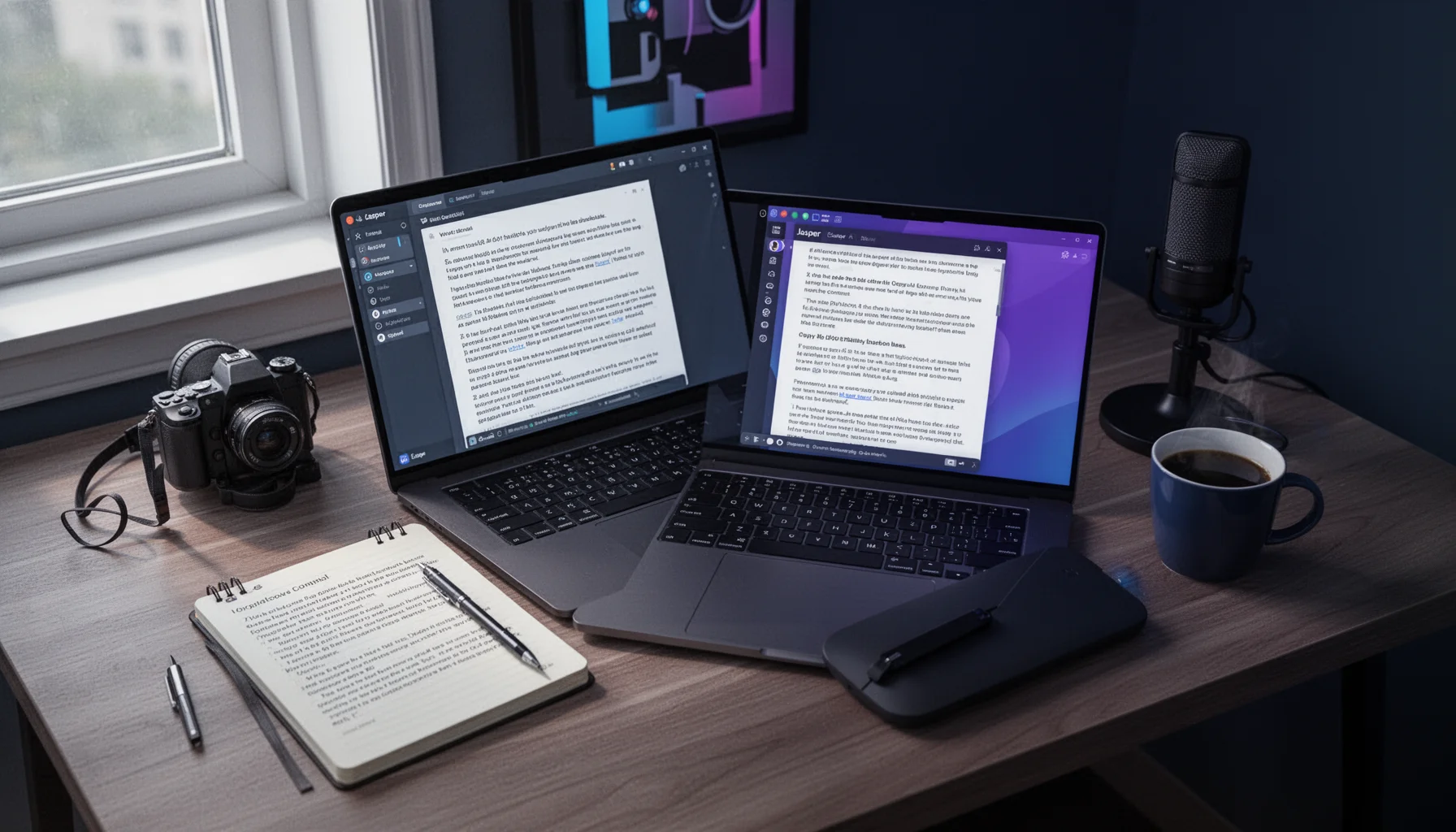
When you’re writing a YouTube script that needs a compelling hook, a structured middle, and a satisfying conclusion that doesn’t sound like a robot wrote it, Jasper is the stronger pick. The document editor feels familiar, almost like Google Docs with an AI co-pilot built in. You can feed it a brief, a tone description, and even example scripts you’ve written before, and it’ll produce drafts that need less surgery than you’d expect.
The brand voice memory is what genuinely separates it from Copy.ai. Once you’ve trained it on your style, your pacing, your humor, your common phrases, it recalls that across sessions. For creators publishing long-form weekly videos, that consistency saves hours of editing.
Where it stumbles: The interface is built for documents, not for rapid-fire caption generation. If you’re a short-form-first creator needing 30 Instagram caption variants in 10 minutes, Jasper’s workflow feels heavier than it needs to.
Best for you if: You produce long-form YouTube videos, podcast scripts, or blog posts and care about maintaining a consistent voice across everything.
Skip it if: Your entire workflow is short-form social content with minimal long-form writing, you’ll feel like you’re driving a truck to pick up groceries.
Copy.ai, The Short-Form Idea Machine
Copy.ai operates primarily through a chat interface. You describe what you need, “Write 15 TikTok hooks about productivity for creators, under 100 characters each”, and it fires back options. The speed is the selling point. For repurposing a single video idea into Twitter threads, LinkedIn posts, Instagram captions, and TikTok descriptions, it’s genuinely fast.
The template library covers a lot of creator use cases out of the box: hook generators, caption rewriters, even cold outreach templates if you’re pitching brand deals. The workflow feels like having a junior copywriter who doesn’t sleep.
Where it stumbles: Copy.ai’s long-form output can feel disjointed. When you ask for a full YouTube script, it sometimes gives you a series of disconnected paragraphs rather than a narrative that flows. You’ll spend more time stitching sections together compared to Jasper.
Best for you if: You’re a short-form creator, social media manager, or someone who values iteration speed over polished long-form drafts.
Skip it if: You need a tool that can produce publication-ready long-form scripts with minimal structural editing.
How to Pick the Right One for Your Content Mix
Here’s a simple 3-step process to avoid buyer’s remorse:
- Audit your last 10 pieces of content. How many were long-form (over 500 words, narrative structure) versus short-form (captions, threads, quick hooks)? If your split leans 70%+ short-form, Copy.ai’s speed wins. If long-form dominates, Jasper’s consistency matters more.
- Test both free offerings. As of 2026, both tools offer ways to try them without paying immediately, Jasper via a trial and Copy.ai via a free plan with limited credits (confirm current terms on their official sites). Run the same prompt through both and compare the output.
- Assess what costs you more time. If you waste hours editing AI scripts to sound human, Jasper’s brand memory is worth the higher price. If you waste hours brainstorming short-form ideas, Copy.ai’s speed pays for itself.
In our experience, the creators who end up happiest are the ones who match the tool to their actual content mix, not the ones who buy the “better” tool on paper.
Related reading
- Best AI Writing Tools for Creators Now
- Jasper Review for Content Creators
- Is Jasper Worth It for Content Creators in 2026
FAQ
Can I use both Jasper and Copy.ai together? Some creators do exactly that, Jasper for long-form scripts and Copy.ai for short-form repurposing, but it gets expensive fast. Start with one, master it, and only add the second if there’s a genuine gap.
Which is better for YouTube scriptwriting specifically? Jasper tends to produce more structured, narrative-driven scripts out of the box. Copy.ai can write scripts too, but the output often needs more manual stitching to create a coherent flow.
Do they both support languages other than English? Both support multiple languages, but output quality varies significantly. English and widely-spoken languages (Spanish, French, German) tend to perform best. Less common languages can produce awkward phrasing, always budget extra editing time if you’re not writing in English.
Is Copy.ai’s free plan enough for a content creator? It depends on volume. The free plan gives you limited credits each month, which might cover light caption generation but won’t sustain a daily publishing schedule. For heavy use, you’ll likely need the paid tier fairly quickly.
Does Jasper integrate with SEO tools? Yes, Jasper has a built-in SEO mode and integrates with Surfer for content optimization. Copy.ai includes more basic keyword handling, which works for social SEO but isn’t as deep for blog-focused creators.
What We Actually Recommend
There’s no wrong door here, just the wrong fit. Creators who publish scripted long-form content every week tend to feel at home in Jasper’s document-first environment within days. Creators who live in Instagram, TikTok, and Twitter find Copy.ai’s chat interface matches the speed they need. Pick the one that mirrors how you actually work, not how you wish you worked, and you’ll avoid the subscription graveyard most creators accumulate.