The Ultimate AI Video Editing Workflow Guide
Learn how to build an AI video workflow from script to upload. Discover the best tools for editing, voiceovers, and thumbnails. A practical guide with clear,.
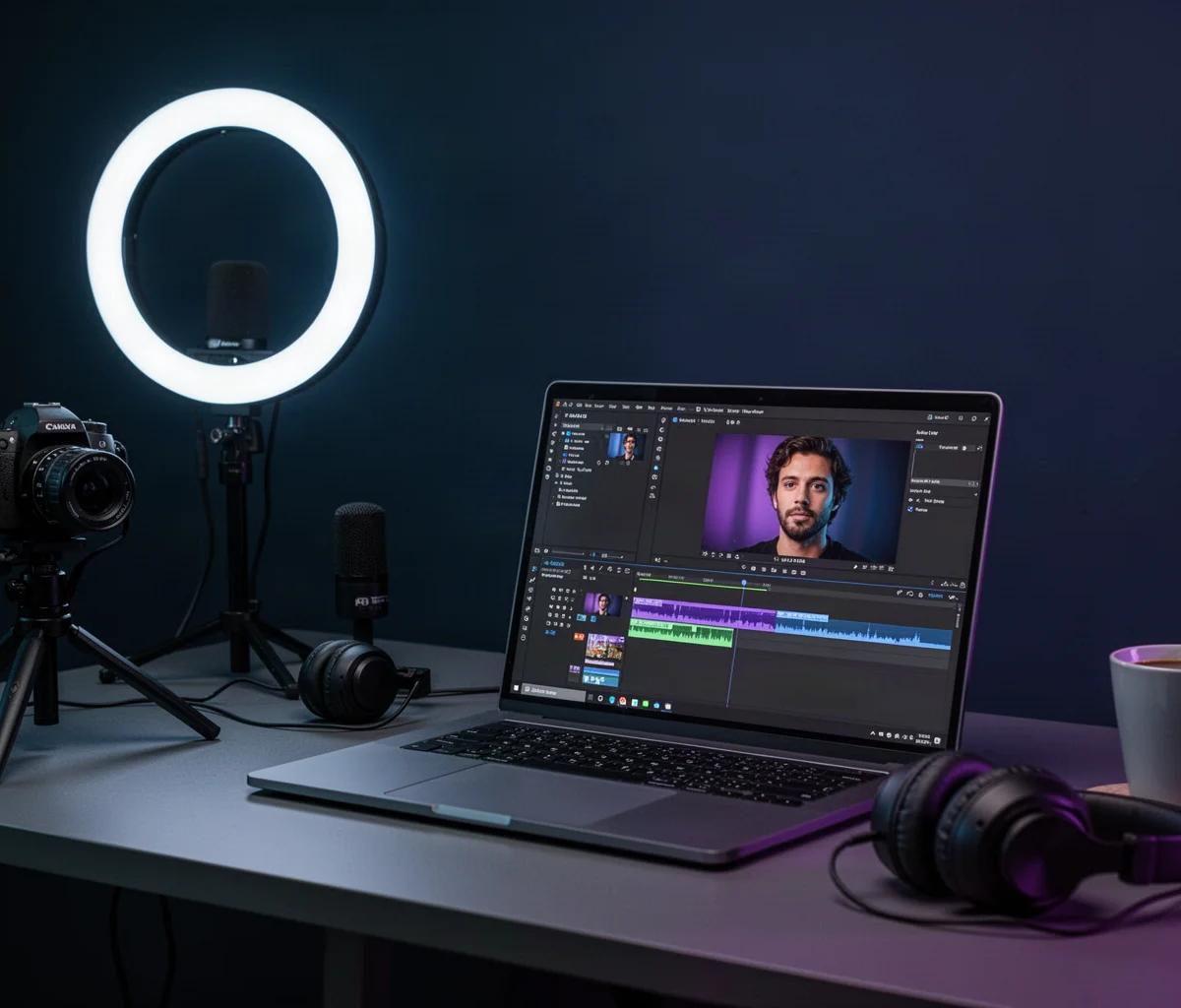
You have a camera full of footage, a bunch of ideas, but somehow the video never gets finished. It is a familiar story. The good news is that we have moved past the era where editing requires a week of your life. AI video tools have matured, and they are not just about fancy effects. They are about taking the boring, repetitive parts of creation off your plate so you can focus on the story. This guide is your roadmap to building a complete AI video workflow, from that initial blank script to the moment you hit publish. We will walk through every stage, and I will point you to the specific tools that make each step feel almost effortless.
Choosing Your Core AI Video Editor
Before you touch a single clip, you need to decide on your home base. This is the software you will use to assemble your timeline, cut your footage, and add the final polish. The choice often comes down to your style. Are you a complete beginner who needs a simple web interface, or are you a seasoned pro looking for faster ways to do things you already know?
The market is full of options, but a few stand out for their AI capabilities. If you are creating content for TikTok, Instagram Reels, or YouTube Shorts, you might want to look at the best AI video editor for short form content. These tools are built for speed and vertical formats. On the other hand, if you have complex projects and need a robust suite of features, you might be comparing heavyweight contenders. A detailed look at Pictory vs InVideo vs VEED which AI video editor wins can help you understand the key differences in their AI features and pricing tiers.
Another popular comparison is between two very different editing philosophies. Descript treats your video like a text document, where you edit by deleting words, while CapCut is a more traditional timeline editor with aggressive AI enhancements. To understand which approach fits your brain, check out this breakdown of Descript vs CapCut for video editing compared. You might also find a more specific look at Descript or CapCut for YouTube videos which to pick useful for long form content.
Writing Scripts and Storyboards with AI
You cannot edit an empty timeline. The best AI workflow starts with a solid script. This is where AI can be a fantastic brainstorming partner and outline creator. It is not about replacing your voice; it is about helping you structure your thoughts and find the right hook.
For shorter formats, you need scripts that get to the point instantly. A tool that is Great at this is an AI script writer for YouTube Shorts. These generators can create punchy, engaging narratives in seconds. If you are looking for the most up to date options on the market, you should explore the newer best AI script writer for YouTube Shorts in 2026 to see what features are becoming standard.
Recording and Generating Voiceovers
Once your script is ready, you need a voice to bring it to life. This is a massive area for AI. You can generate studio-quality narration without renting a mic or building a sound booth. This is especially crucial for faceless creators who want to build a brand without showing their face on camera. A good voiceover can be the difference between a viewer staying or scrolling away. The market for this is huge, and we have curated a list of the best AI voiceover for faceless YouTube channels to get you started. For a broader look, you might also want to check the best AI voiceover for YouTube videos which covers options for more traditional channel styles.
What if you don't want to use your face? Avatars are the next step. You can create a realistic presenter that speaks your script in any language. It is a growing trend, and knowing how to make a video with AI avatars fast can save you a lot of time. If you are serious about this, you need to know the major players. The comparison between Synthesia vs HeyGen AI video comparison is a classic head-to-head in this space.
Editing and Assembling Your Video
Now we are in the thick of it. This is where the real time savings happen. Instead of manually trimming silence and moving clips around, AI can analyze your footage and do it for you. The goal is to get a rough cut done in minutes, not hours.
A huge part of this is repurposing. You probably have long videos that are doing nothing. The ability to turn a 30-minute podcast into a dozen short clips is a game changer. There are specific tools built for this, and you can find the best AI tool to make shorts from long videos on the market today. The workflow itself is simpler than you might think, and learning how to repurpose long videos into shorts with AI is a skill every creator should have. For a broader selection, you can check the best AI tools to turn long videos into shorts.
Beyond repurposing, you want to speed up the entire editing process. This includes auto-selecting the best takes, adding transitions, and even adjusting the pacing. If you feel like you are spending too much time on the little things, you need to learn how to edit videos faster with AI in 2026. It covers the techniques that are currently saving creators hours every week.
Adding Subtitles and Visual Polish
Have you noticed that almost every successful video has subtitles? That is because most people watch on mute. AI has made adding accurate captions incredibly simple. It is no longer a tedious manual process of syncing text. You can generate them automatically in a matter of minutes. A good AI subtitle generator for short-form video will style them to match your brand. For those specifically working on TikTok and Reels, you might want to see the specific recommendations for an AI subtitle generator for shorts and reels.
Subtitles are just the start of the polish. The final visual look matters. This includes color grading, but more importantly, it means the thumbnail. The thumbnail is often the single biggest factor in whether someone clicks your video. You can create stunning, high-CTR designs using AI in a fraction of the time. Check out the best AI thumbnail makers for YouTube in 2026 to see the current leaders. If you are working on a tighter deadline, there are also options that are fast and efficient, like the best AI thumbnail maker for YouTube 2025. For a concrete workflow, you can learn how to make YouTube thumbnails with AI fast and implement it today.
Optimizing for Search and Final Upload
You have edited the video, added the voiceover, and made the thumbnail. The last step is getting it found. This is where SEO comes in. AI tools can help you write the title, description, and tags that will rank higher in search results. This is not just about stuffing keywords; it is about understanding what your audience is searching for and giving it to them in the metadata. You can find the best AI tools for YouTube SEO right now to help with this.
Once your video is live, the work is not over. You need to analyze the performance and use that data for your next video. But your workflow remains the same. With your video uploaded, your job is to engage with the comments, look at the retention graphs, and ask the AI what you could do better next time.
Related reading
FAQ
Do I need to be a professional editor to use these AI tools? No. Most of these tools are designed for beginners. They simplify complex tasks like cutting and captioning. The AI handles the heavy lifting, and you just make the final creative decisions.
Is the AI voiceover going to sound robotic and cheap? Not anymore. The best tools use neural networks that sound incredibly human. You can control pacing, emotion, and even add breaths. You should always listen to different voices to find one that fits your brand, but the quality is genuinely impressive.
Can AI really replace my entire editing team? For the time being, AI is best at handling repetitive and time-consuming tasks. It is a fantastic assistant that speeds up the process. It cannot replace the creative vision, but it can give you more time to execute that vision. For complex projects, you might still need a human editor for fine-tuning.
What is the best way to start with this workflow? Start small. Pick one painful part of your process, like writing scripts or adding subtitles. Find a tool for that specific task and integrate it. Once you are comfortable, move on to the next part. It is better to master one tool at a time than trying to overhaul your entire process overnight.